12 Best Remote IT Support Companies in the USA (2027)
The US managed services market is valued at roughly $161 billion in 2026 as more businesses outsource support. In this guide, we compared the top remote IT support companies in the USA on pricing, security, and fit.
Table of contents
Key Takeaways
- Remote IT support companies in the USA fall into three types: enterprise service desks, mid-market MSPs, and software-led platforms. Your size and risk decide which fits.
- Most US providers price per user, per month, with core managed IT around $100 to $250 and security-forward plans higher. Enterprise vendors quote custom pricing.
- Outsourcing is usually cheaper than a full in-house team, since one hire can cost $80,000 to $100,000 a year plus benefits, before you cover nights and weekends.
- The biggest mistakes are buying on price alone, overbuying coverage, and skipping the exit terms. Judge value, not just the monthly rate.
- If you want control and deeper skills, building your own remote team through staff augmentation is an alternative to a shared help desk.
Choosing among remote IT support companies in the USA is harder than it looks, because they are not all the same kind of business. Some run a 24/7 help desk for small teams. Some manage IT for large enterprises. Some hand you a software platform instead of people. Pick the wrong type and you pay for cover you do not need, or miss the support you do. The stakes keep rising: the US managed services market is valued at roughly $161 billion in 2026 and projected to reach about $235 billion by 2031, as more American companies run lean internal teams and buy support remotely. This guide compares the US providers worth shortlisting, what each does best, real pricing, and how to choose. It is written for the business owner or IT leader who needs to decide. By the end, you will have a shortlist and a way to judge it.
How we selected these companies
We built this list of remote IT support companies in the USA through research, not pay-to-play placement. We reviewed company websites, service descriptions, and verified reviews, then grouped each firm by what it does best. Every provider here is based in the United States, so you get onshore delivery, US business-hours overlap, and teams that understand US compliance.
A business does not need the "number one" provider. It needs the one that fits its size, budget, and risk. So we ranked by fit, not by a single score.
We weighted five signals:
- Remote support depth. Real help desk, remote monitoring, and remote access, not just a phone number.
- Security and compliance. Certifications such as SOC 2 or ISO 27001, plus handling of US rules like HIPAA and state privacy laws.
- Service levels. Clear response and resolution times, hours of cover, and escalation paths.
- Scale and fit. Whether the provider suits a startup, a mid-market firm, or a large enterprise.
- Transparency. Clear reporting, pricing you can understand, and a clean exit if you leave.
A quick honesty note. Services, prices, and office locations change, so confirm the details directly before you decide.
Quick comparison: remote IT support companies in the USA
The table below compares all twelve US providers at a glance: who each is best for, what they focus on, and an indicative pricing model. Softaims and Devaims lead as our recommended picks, followed by independent US providers. Read the Best for column against your own needs, then see the full profiles underneath.
# | Company | HQ | Best for | Pricing model |
| 1 | Softaims | Austin, TX | Building your own remote IT team with vetted talent | Flexible, below in-house cost |
| 2 | Devaims | US-based | Custom software and apps that support your IT | Fixed-price quote |
| 3 | Dataprise | Rockville, MD | Mid-market managed IT with 24/7 cover | ~$100 to $250 per user/mo |
| 4 | Ntiva | McLean, VA | Remote help desk with a local feel | ~$100 to $250 per user/mo |
| 5 | Electric | New York, NY | Fast-scaling startups wanting software-driven IT | Per-seat software plus support |
| 6 | Thrive | Foxborough, MA | Managed services with security and recovery | ~$100 to $250 per user/mo |
| 7 | Rackspace Technology | San Antonio, TX | Managed cloud plus remote IT operations | Custom enterprise quote |
| 8 | All Covered | US (Konica Minolta) | Small and midsize business managed IT | ~$100 to $250 per user/mo |
| 9 | CompuCom | Fort Mill, SC | Enterprise digital workplace support | Custom enterprise quote |
| 10 | Cognizant | Teaneck, NJ | Disciplined enterprise service desk | Custom enterprise quote |
| 11 | Unisys | Blue Bell, PA | Enterprise digital workplace support | Custom enterprise quote |
| 12 | CDW | Vernon Hills, IL | IT solutions plus managed services | Custom enterprise quote |
The best remote IT support companies in the USA
Below are the twelve US providers we recommend, starting with our top two picks, then independent firms. For each, you will find who it is best for, what it focuses on, and an honest note. Read every profile against your own needs, not in isolation. The right choice depends on your size, your budget, and the support model you actually need.
1. Softaims
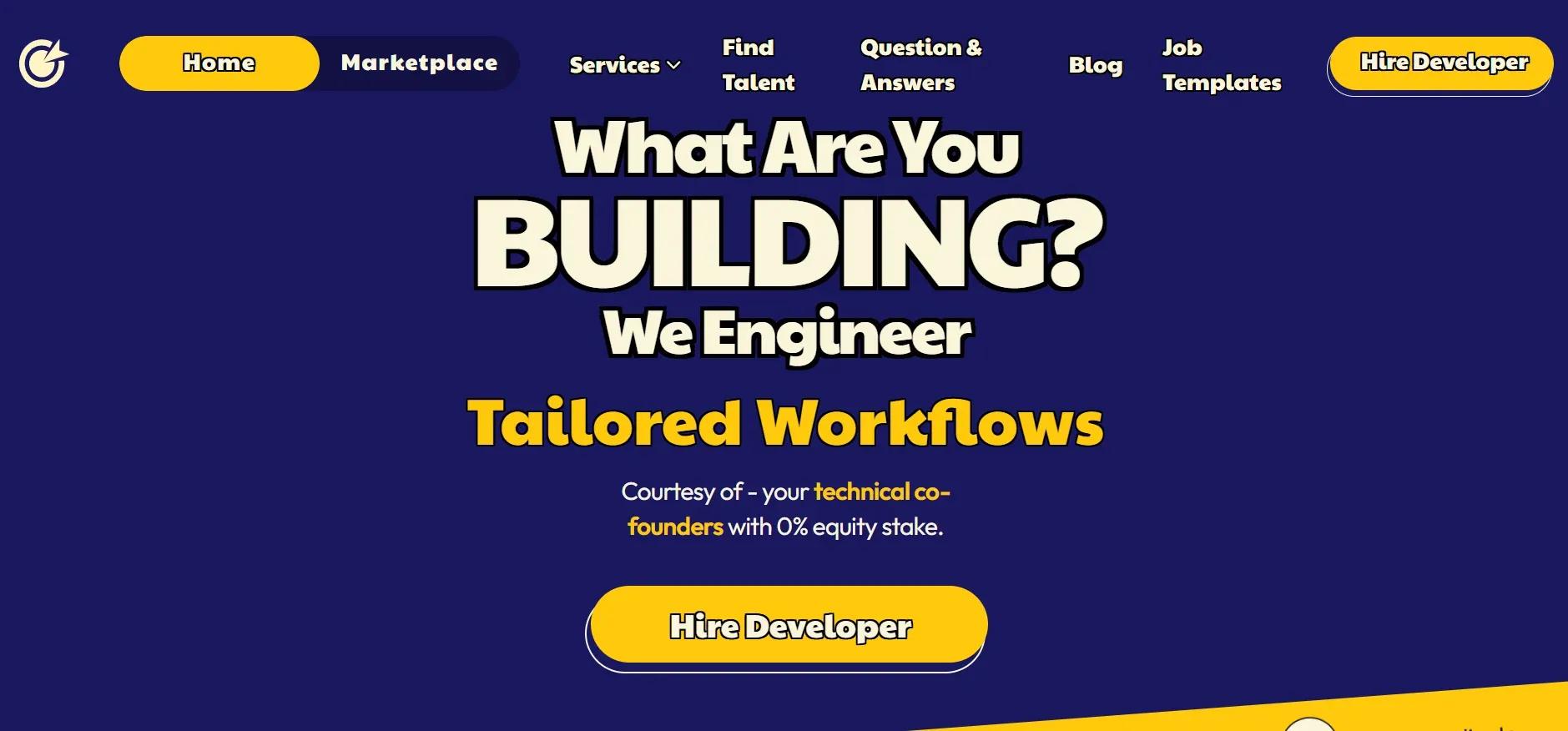
Best for: US businesses that want to build or extend their own remote IT and engineering team with vetted talent, at below in-house cost.
Softaims is our top pick, with an important distinction. A traditional help desk fixes tickets for you. Softaims instead gives you your own vetted remote IT and engineering talent, as staff augmentation or a full dedicated team, so you get support and build that you control. Based in Austin, Texas, it serves clients across the US, with custom software, IT consulting, cloud, and ongoing support. For a company that wants more than a break-fix desk, and would rather own its IT capability than rent a ticket queue, this model fits well.
Why businesses choose Softaims:
- Your own team, not a shared queue. Vetted IT and engineering talent that knows your systems and answers to you.
- Lower cost than hiring in-house or paying premium agency rates, with transparent pricing tied to the skills you need.
- Flexible engagement: staff augmentation to extend your team, or a dedicated squad for a full build and run.
- Full ownership and control of your systems, code, and documentation, with no lock-in.
- Global talent, one US partner. Hire from anywhere in the world, matched to your stack and budget, so you get marketplace reach without running the search yourself.
If you want to build a remote IT and engineering capability that you control, talk to our team and get matched with vetted talent within 48 hours.
Why hire them: Pick Softaims when you want your own remote IT and engineering team at a lower cost than hiring in-house, with full control and flexible scaling. The team aligns to your US working hours.
2. Devaims
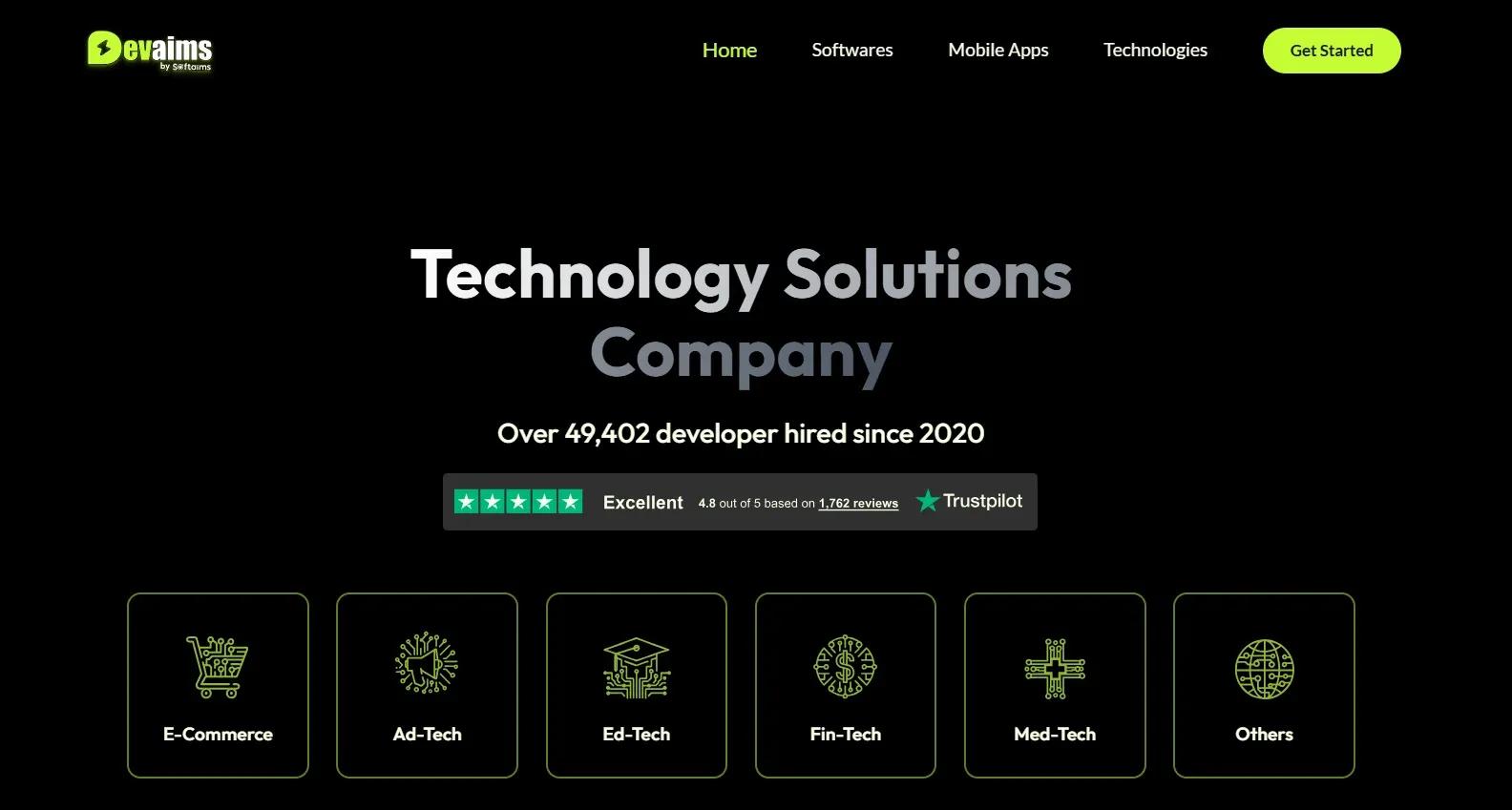
Best for: custom software and apps that support or extend your IT, on a fixed-price model.
Devaims, now a Softaims company, builds custom software and mobile apps using Android, iOS, React Native, and Flutter, with a fixed-cost model, built-in QA, and post-launch support. When your IT needs cross into building internal tools, dashboards, or customer apps, Devaims handles the build while the wider Softaims team covers IT and engineering support. Its stated strengths are on-time delivery, transparent pricing, and direct communication with the development team.
Key services: custom software, mobile and web app development, ecommerce, and QA.
Why hire them: Choose Devaims when your IT project needs a custom tool or app built to a fixed price, with the wider Softaims team available for ongoing IT and engineering support.
3. Dataprise
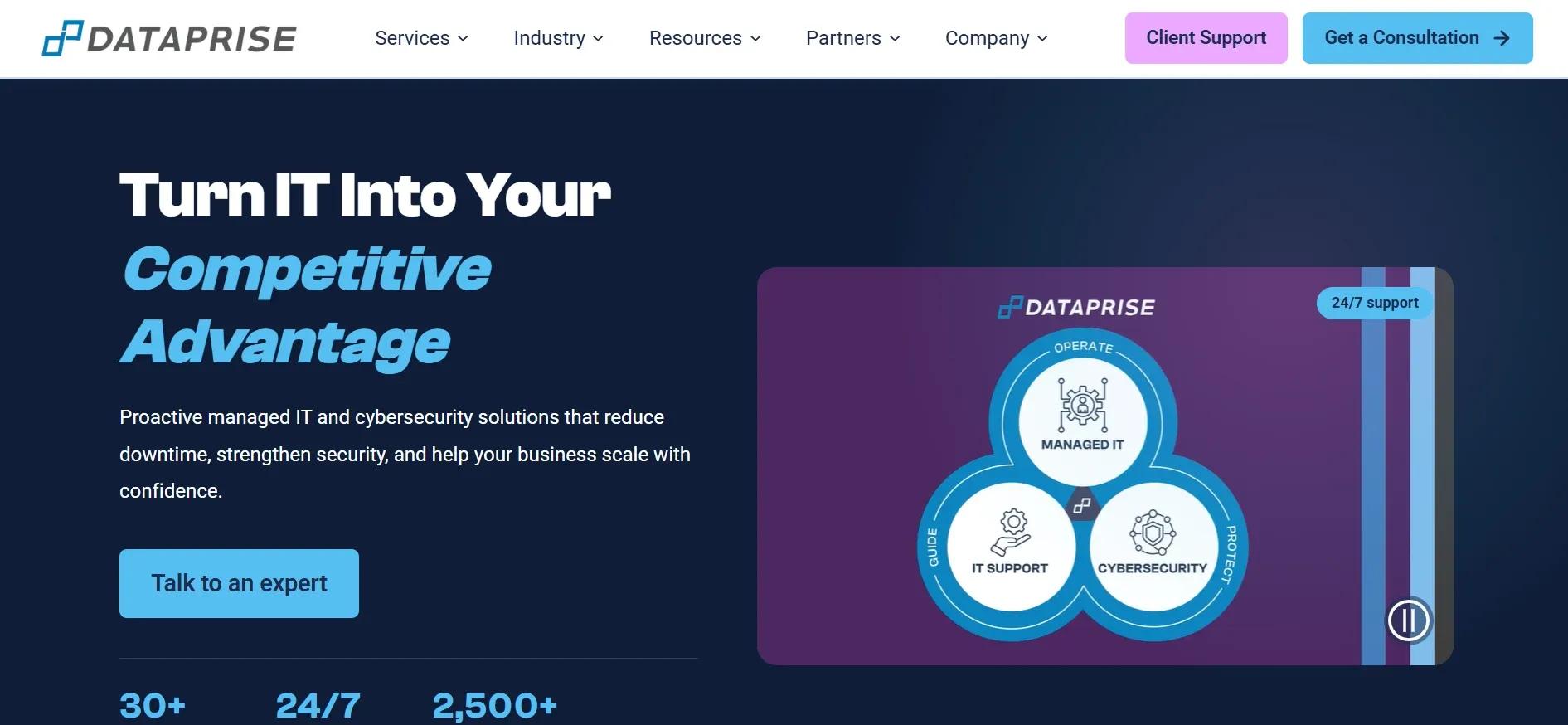
Best for: mid-market firms that want managed IT with genuine 24/7 cover.
Dataprise, based in Rockville, Maryland, offers managed IT, cybersecurity, cloud hosting, backup and disaster recovery, and a 24/7 support desk, backed by SOC 2 Type 2 and ISO certifications. It pairs a large engineering bench with service for smaller and mid-market organizations, which is useful when you want enterprise-grade coverage without an enterprise contract. It suits larger SMBs and mid-market firms that need around-the-clock support.
Key services: managed IT, cybersecurity and SOC, cloud, backup and disaster recovery.
Keep in mind: its strength is mid-market coverage, so a very small team may not need the full bench.
4. Ntiva
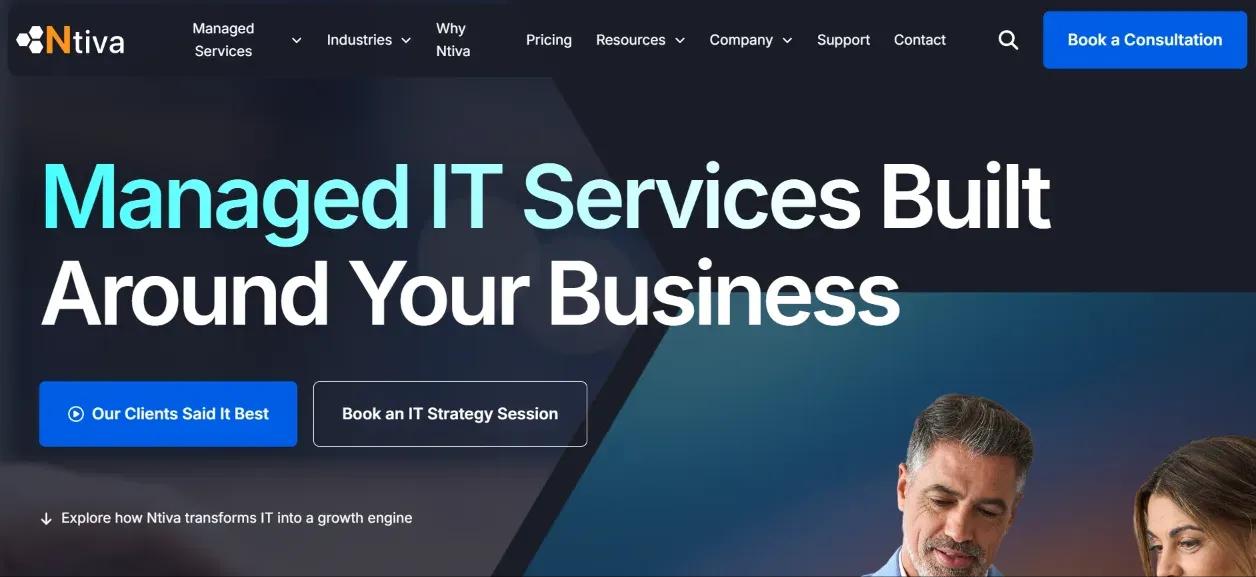
Best for: US businesses that want a remote help desk with a local, personal feel.
Ntiva, based in McLean, Virginia, provides managed IT, consulting, and cybersecurity across the US, with 24/7 remote support. Its model gives you a dedicated local "pod" of technicians who know your business, backed by a national network, so you get a personal relationship with the scale behind it. It suits businesses that want responsive remote help desk support and a team that knows them by name.
Key services: managed IT, remote help desk, IT consulting, and cybersecurity.
Keep in mind: it is strongest in its core US regions, so confirm coverage if your team is spread across many time zones.
5. Electric
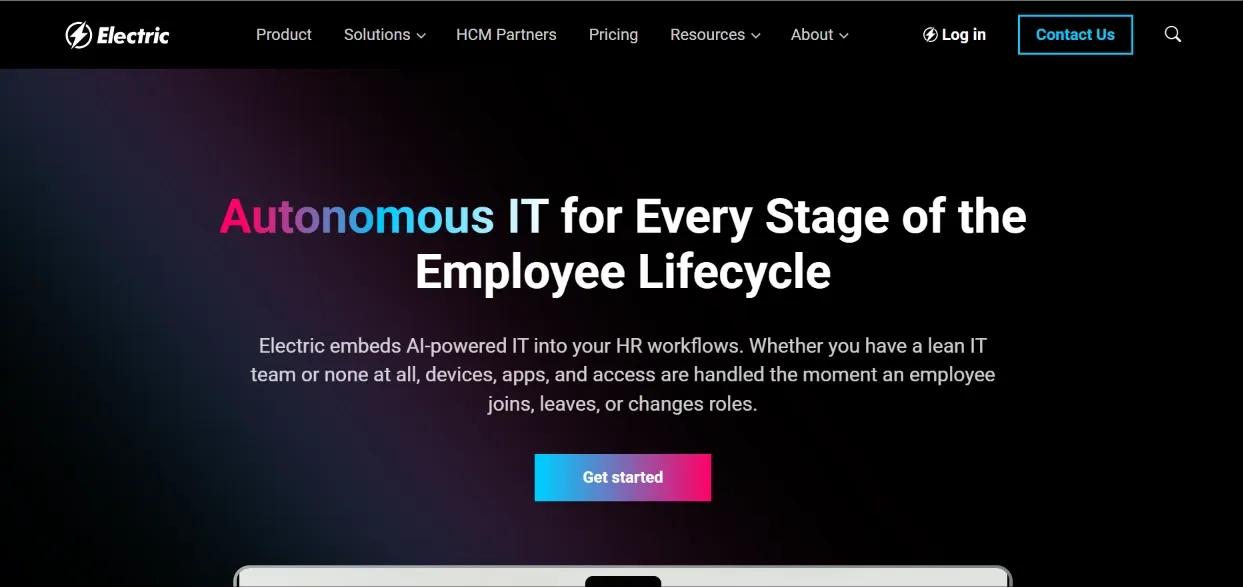
Best for: fast-scaling startups that want software-driven IT rather than a staffed help desk.
Electric, based in New York, is less a traditional MSP and more an IT management platform, built around an AI assistant, with 24/7 help desk support through Slack and Microsoft Teams. It lets startups manage devices, onboarding, identity, and security largely in-house, with support when needed. It suits fast-growing startups that want a modern, software-first way to run IT.
Key services: IT management platform, device and identity management, help desk, security.
Keep in mind: it is platform-led rather than white-glove, so it suits teams comfortable self-managing with software.
6. Thrive
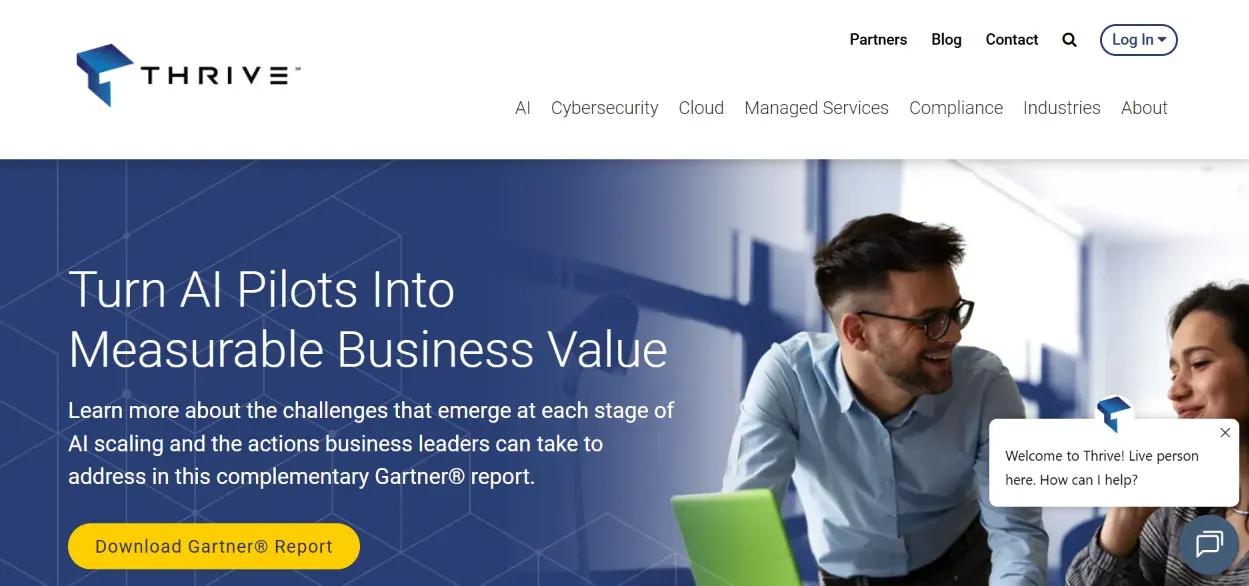
Best for: firms that want managed services with strong security and recovery.
Thrive, based in Foxborough, Massachusetts, is a managed services provider that pairs managed IT with cybersecurity and backup and disaster recovery. That combination suits organizations where downtime and data loss carry real cost, such as healthcare and professional services. It fits mid-market firms that want support and resilience from one provider.
Key services: managed IT, cybersecurity, backup and disaster recovery, cloud.
Keep in mind: confirm the scope of day-to-day help desk cover alongside its security and recovery strengths.
7. Rackspace Technology
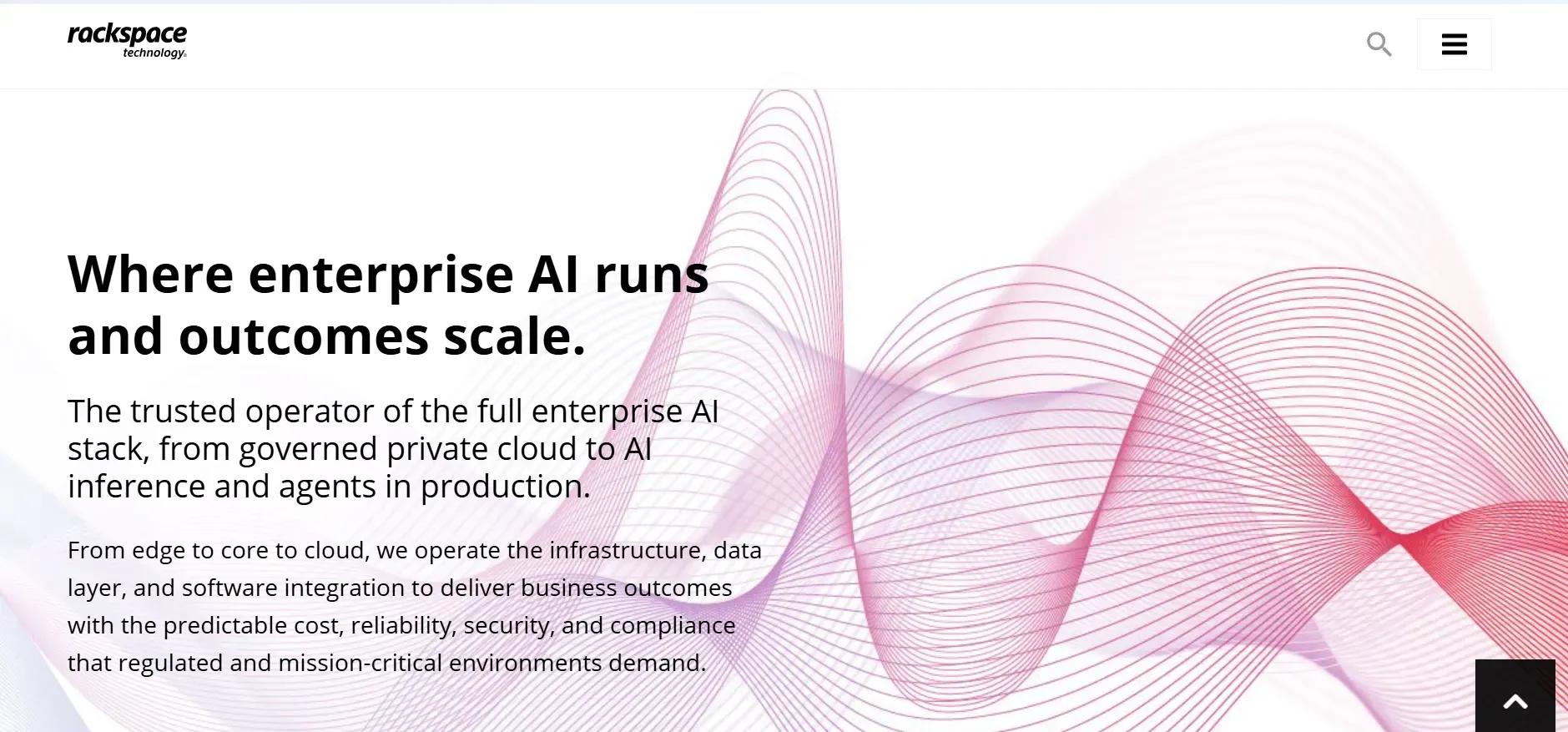
Best for: enterprises that need managed cloud alongside remote IT operations.
Rackspace Technology, based in San Antonio, Texas, is a managed cloud and IT services provider that delivers remote IT operations across multicloud environments, with incident and problem handling, change coordination, and service desk support. Its focus on run-and-change operations suits organizations that want cloud operations and remote IT handled together. It fits enterprise and regulated workloads that need steady operations over time.
Key services: managed multicloud operations, service desk, remote IT operations.
Keep in mind: it is strongest on cloud and enterprise operations, so it may be more than a simple help desk need requires.
8. All Covered
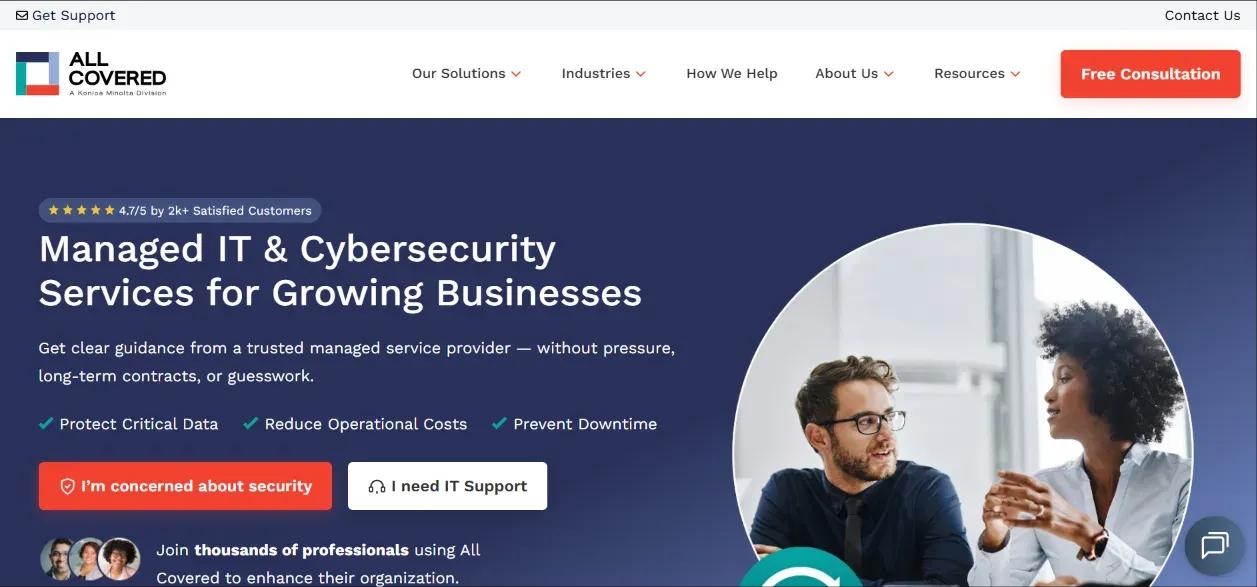
Best for: small and midsize businesses that want consistent remote help desk support.
All Covered, the US IT services division of Konica Minolta, provides remote managed IT focused on ongoing service delivery rather than one-off fixes. Its work centers on remote support sessions, endpoint support, and day-to-day incident handling for distributed teams. It suits small and midsize businesses that want predictable, ticket-driven support.
Key services: remote help desk, endpoint support, managed IT, incident handling.
Keep in mind: for deep network engineering or specialist security work, confirm scope beyond core support.
9. CompuCom
Best for: enterprises that want digital workplace support and device lifecycle services.
CompuCom, based in Fort Mill, South Carolina, is a long-established US managed services provider focused on the digital workplace. Its remote support covers end-user help desk, device lifecycle, and endpoint management across large, distributed workforces, including home and field users. It suits enterprises that want employee IT support and hardware lifecycle handled together.
Key services: digital workplace, device lifecycle, remote end-user support, endpoint management.
Keep in mind: it is built for enterprise scale, so it is more than a small business needs.
10. Cognizant

Best for: enterprises that want a disciplined service desk with structured incident workflows.
Cognizant, based in Teaneck, New Jersey, is a global IT services provider whose remote support is built around service desk operations that take incidents from intake to resolution, with clear escalation. It fits organizations that want remote support tied to incident management discipline and ongoing operational improvement, not ad hoc fixes. Its strength shows when a central IT function routes requests into a stable ticketing workflow.
Key services: enterprise service desk, end-user computing, incident and escalation management.
Keep in mind: enterprise service desk setup adds onboarding overhead, so it suits larger, process-driven teams.
11. Unisys
Best for: enterprises that need digital workplace support at scale.
Unisys, based in Blue Bell, Pennsylvania, provides digital workplace, cloud, and enterprise computing services, including remote workplace support for distributed employees. It suits large organizations that want employee IT support managed as part of a broader digital workplace program. It fits enterprises modernizing how their people get IT help.
Key services: digital workplace support, cloud, enterprise computing, service desk.
Keep in mind: it is enterprise-focused, so smaller firms may find the model heavier than they need.
12. CDW
Best for: organizations that want IT solutions and procurement alongside managed services.
CDW, based in Vernon Hills, Illinois, is a large US IT solutions provider that pairs hardware and software procurement with managed services and remote support through its Amplified Services line. It suits organizations that want a single partner for buying technology and keeping it running. It fits mid-market and enterprise buyers who value sourcing and support together.
Key services: IT solutions and procurement, managed services, remote support, cloud.
Keep in mind: it is solutions-led, so confirm the depth of day-to-day managed support for your needs.
What is remote IT support, and what does it cover
Remote IT support means an external team manages and fixes your technology over the internet, rather than sitting in your office. Technicians connect to your devices and systems remotely to monitor, troubleshoot, and resolve issues, often before you notice them. For most software, account, and configuration problems, this is faster and cheaper than waiting for someone to arrive on site.
Providers do not all cover the same ground. The strongest remote IT support companies in the USA offer a range of services, from a single hotline to full IT operations. The usual ones include:
- Help desk and service desk. The front line for day-to-day issues, by phone, chat, email, or ticket.
- Remote monitoring and management (RMM). Always-on watching of devices, networks, and servers, with automated alerts and fixes.
- Cybersecurity. Endpoint protection, patching, email security, and in stronger providers a security operations center (SOC).
- Cloud and infrastructure. Managing Microsoft 365, cloud servers, backups, and networks.
- Backup and disaster recovery. Protecting data and getting you running again after an outage.
- IT consulting and strategy. Technology roadmaps, budgeting, and virtual CIO guidance.
Support is usually organized in tiers. Level 1 (L1) handles common requests like password resets and basic troubleshooting. Level 2 (L2) takes harder technical problems. Level 3 (L3) covers deep engineering, architecture, and the toughest incidents. When you compare providers, confirm which tiers they cover and how fast an issue moves up the chain.
Remote IT support vs on-site support
Remote and on-site support solve different problems, and most businesses need a mix. Remote support is faster and cheaper for software, accounts, and configuration, and it scales easily as you grow. On-site support is still needed for hardware failures, network cabling, and compliance audits that require a physical presence.
A good partner leads with remote support for speed and cost, then sends someone on site when the problem is physical. When you compare US providers, ask how they handle the on-site cases, whether through their own technicians or a dispatch network, so you are covered when remote access is not enough.
Benefits of remote IT support
The value of a good remote IT partner goes well beyond fixing broken computers. These are the benefits US businesses see most.
- Lower, more predictable cost. You convert a large fixed cost into a monthly operating cost, and avoid the salary, benefits, and training of a full in-house team.
- Access to a deeper bench. You get a team with security, cloud, and networking specialists, instead of relying on one or two generalists.
- Round-the-clock coverage. The right provider covers nights, weekends, and holidays, so problems do not wait until Monday.
- Stronger security and compliance. Patching, monitoring, and backups run consistently, which also helps you qualify for cyber insurance and meet US regulations.
- Focus on your core business. Your people stop firefighting IT and get back to the work that earns revenue.
- Easier scaling. You add or remove users and services as you grow or slow, without hiring and firing.
In-house vs outsourced: the real cost
Many owners assume an in-house hire is cheaper than a provider. The numbers usually say otherwise. A single IT staffer in the US can cost $80,000 to $100,000 a year in salary, before benefits, training, software, and cover for time off. That one person also cannot watch your systems overnight or specialize in everything.
Outsourced remote IT support typically runs $100 to $400 per user per month, depending on coverage and security depth. For a small team, that is often less than one salaried hire, and it buys a whole team with broader skills and longer hours. The trade-off is less direct control, which is why some companies choose staff augmentation instead: your own dedicated remote people, at a lower cost than local hiring, with the control of an in-house team.
What good remote IT support actually includes
Remote support is more than someone answering the phone. These are the capabilities a strong US provider should have, and the questions to ask.
- Help desk and response. Clear hours of cover, and agreed response and resolution times, not vague promises. Confirm whether support is business-hours or genuine 24/7.
- Remote monitoring and management. The provider should watch your systems and fix issues before you notice, not just react to tickets.
- Secure remote access. Technicians need safe, logged access to devices. Ask how access is controlled and recorded.
- Endpoint and device visibility. You should see every device, its status, and when it last checked in. Shallow inventory makes support guesswork.
- Security and US compliance. Look for SOC 2 or ISO 27001, plus patching, endpoint protection, and backup. For regulated work, confirm HIPAA or similar handling, and relevant state privacy laws.
- Reporting. You should get tickets, trends, and recommendations every month, so you can see what you are paying for.
Remote IT support cost in the USA (2027)
Most remote IT support in the US is priced per user, per month, which is simple to budget and scales with headcount. As a benchmark, core managed IT runs about $100 to $250 per user per month, with monitoring-only plans lower and security-heavy, regulated environments higher. Enterprise providers usually quote custom pricing instead.
Service level | Typical cost | What it usually covers |
| Monitoring only | $30 to $50 per user/month | Alerts on devices and network; fixes cost extra |
| Core managed IT | $100 to $200 per user/month | Help desk, patching, endpoint protection, account management |
| Security-forward managed IT | $200 to $400 per user/month | 24/7 help desk, endpoint detection, backup, security reviews |
| Hourly break-fix | $75 to $275 per hour | You pay only when something breaks |
| Staff augmentation (your own team) | Flexible, by role and seniority | Dedicated remote IT or engineering talent you control |
Three things move the price most: the hours of cover, the depth of security and compliance, and whether you buy a shared help desk or your own dedicated team. A shared per-user plan is cheapest for simple support. A dedicated team or staff augmentation costs more per head but gives you control and deeper skills. You can compare current rates before you decide.
How to choose a remote IT support partner in the USA
Use these checks before you sign.
- Agree service levels in writing. Confirm response and resolution times, hours of cover, and escalation paths in the contract.
- Check onshore coverage. Confirm the time zones and US regions the support team covers, and where technicians are based.
- Ask about security and compliance. Confirm SOC 2 or ISO 27001, access control, and how they handle HIPAA or your industry's rules.
- Look at reporting. You should see tickets, trends, and recommendations every month, not silence between problems.
- Match the model to your size. A startup, a mid-market firm, and a large enterprise need different providers. Do not overbuy.
- Decide shared desk or your own team. A shared help desk suits simple support. A dedicated team or staff augmentation suits deeper or ongoing work.
- Confirm a clean exit. Make sure you can leave with your documentation and credentials handed back, and no painful lock-in.
Red flags to watch for
- No written SLA, or an SLA with no penalties. Promises without accountability are just marketing.
- Hidden fees. Watch for charges for out-of-scope work or after-hours calls that are not clear up front.
- Shared admin passwords and no access logging. This is a security risk and a sign of weak process.
- Long lock-in contracts with automatic renewal. A confident provider does not need to trap you.
- No regular reporting or service reviews. If you cannot see the work, you cannot manage it.
Potential challenges, and how to manage them
Outsourcing remote IT support is a strong move for most businesses, but it is fair to name the trade-offs so you can plan for them.
- Less direct control. You no longer own every decision day to day. Manage it with clear SLAs, a named account owner, and regular reviews.
- Change management. Moving to a new provider takes a handover and some staff adjustment. A good onboarding plan and a clear runbook make it smooth.
- Security and access risk. You are giving an outside team access to your systems. Insist on logged access, least-privilege controls, and SOC 2 or ISO 27001.
- Response in a crisis. A remote team must still act fast when something breaks. Confirm resolution times and escalation before you sign, not after.
- Knowledge loss. If you ever switch, you want your documentation back. Agree offboarding terms up front so the relationship stays on your terms.
None of these are reasons to avoid remote IT support. They are reasons to choose a provider that is transparent and accountable, and to put the right terms in writing.
Common mistakes to avoid when hiring
Most poor outcomes start at the hiring stage. These are the mistakes that cost the most.
- Buying on price alone. The cheapest plan often means slow response, thin security, or surprise fees. Compare value across the whole service.
- Overbuying coverage. A ten-person startup does not need an enterprise service desk. Match the provider to your size and risk.
- Ignoring security questions. If the provider cannot explain access control, logging, and compliance clearly, that is your risk to inherit.
- Skipping the exit terms. Lock-in and missing documentation make it painful to switch later. Agree offboarding before you sign.
- Confusing a platform with a team. Some providers give you software to self-manage, not people. Know which you are buying.
- No single point of accountability. Confirm who owns your account and your escalations, so issues do not fall between teams.
Conclusion
This list covers every type of remote IT support partner in the USA. Some run an enterprise service desk. Some are mid-market MSPs. Some give you a software platform. And some, like us, give you your own remote IT and engineering team. The right one depends on your size, your budget, and how much control you want. Agree your service levels first. Check security and reporting. Confirm a clean exit before you commit.
If you would rather own your remote IT capability than rent a ticket queue, that is where we come in. At Softaims, we give you vetted remote IT and engineering talent, as staff augmentation or a dedicated team, with full control, transparent pricing, and the reach of a global talent network. With Devaims as part of our team, we also build the custom tools and apps your IT needs. Talk to our team and get matched with vetted talent within 48 hours.
Frequently asked questions
What are the best remote IT support companies in the USA in 2027?
The best fit depends on your size. Large enterprises often choose CompuCom, Cognizant, or Unisys, mid-market firms choose MSPs like Dataprise, Ntiva, or Thrive, and startups lean toward Electric's software-first model. If you want your own remote IT and engineering team rather than a shared help desk, Softaims is a strong alternative. Match the provider to your size and support model.
How much does remote IT support cost in the USA?
Most remote IT support is priced per user, per month. Core managed IT runs about $100 to $200 per user per month, and security-forward plans $200 to $400. Monitoring-only plans are cheaper, and enterprise providers usually quote custom pricing. A dedicated team or staff augmentation is priced by role and seniority instead.
What is the difference between a help desk and an MSP?
A help desk answers tickets and fixes problems when they arise. A managed service provider (MSP) does that and more, including monitoring, patching, security, and backup, run as an ongoing program. Enterprise providers add governance and incident discipline at scale. Choose based on whether you need reactive fixes or full, ongoing management.
Should I choose a US managed help desk or build my own remote IT team?
A managed help desk is simplest for reactive support and predictable per-user cost. Building your own remote team, through staff augmentation, gives you control, deeper skills, and talent that knows your systems. Many companies use a mix: a help desk for routine tickets and a dedicated team for projects and deeper work. Match the model to how much control you want.
What security standards should a US remote IT provider meet?
Look for SOC 2 or ISO 27001 certification, which show independent checks of security controls. Confirm secure, logged remote access, endpoint protection, patching, and backup. For regulated industries, confirm specific compliance such as HIPAA, along with any state privacy laws that apply. A provider who cannot explain these clearly is a risk.
How do I switch remote IT support providers safely?
Agree offboarding terms before you sign, so you can leave cleanly. Make sure you keep ownership of your documentation, admin accounts, and credentials. Plan a handover period where both providers overlap, and confirm there is no long lock-in or automatic renewal that traps you. A good provider makes leaving as clear as joining.


 GitHub
 Stackoverflow
Jeoffrey B.

 Verified Expert in Engineering
My name is Jeoffrey B. and I have over 11 years of experience in the tech industry. I specialize in the following technologies: Python, DevOps, .NET Framework, Golang, TypeScript, etc.. I hold a degree in Bachelor of Science (BS). Some of the notable projects I’ve worked on include: MyKPMeds & MyDoctorOnline, Fronto Mobile App, LQ Digital, Mobile Pre-qualification - Experian, Outrigger Mobile Responve & Creative Ads, etc.. I am based in Alameda, United States. I've successfully completed 9 projects while developing at Softaims.
I'm committed to continuous learning, always striving to stay current with the latest industry trends and technical methodologies. My work is driven by a genuine passion for solving complex, real-world challenges through creative and highly effective solutions. Through close collaboration with cross-functional teams, I've consistently helped businesses optimize critical processes, significantly improve user experiences, and build robust, scalable systems designed to last.
My professional philosophy is truly holistic: the goal isn't just to execute a task, but to deeply understand the project's broader business context. I place a high priority on user-centered design, maintaining rigorous quality standards, and directly achieving business goals—ensuring the solutions I build are technically sound and perfectly aligned with the client's vision. This rigorous approach is a hallmark of the development standards at Softaims.
Ultimately, my focus is on delivering measurable impact. I aim to contribute to impactful projects that directly help organizations grow and thrive in today’s highly competitive landscape. I look forward to continuing to drive success for clients as a key professional at Softaims.

Leave a Comment
Need help building your team? Let's discuss your project requirements.
Get matched with top-tier developers within 24 hours and start your project with no pressure of long-term commitment.