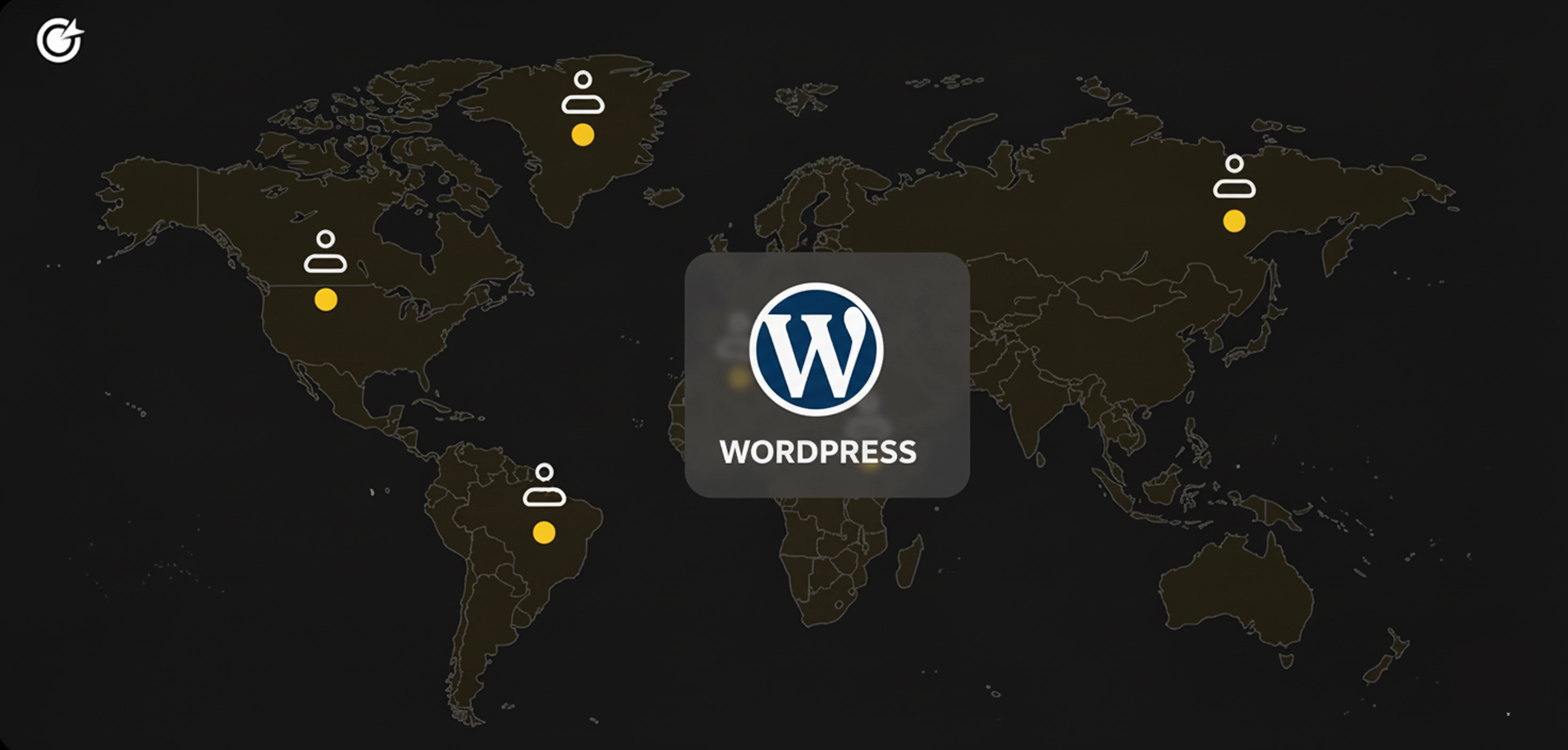
Mastering WordPress: A Comprehensive Guide to Modern Development
Explore the world of WordPress development with this comprehensive guide. From understanding core functionalities to exploring advanced customization and integrations, this article covers everything you need to know about WordPress, including cost considerations and hiring strategies.
Understanding WordPress Architecture
WordPress is a powerful content management system (CMS) that powers over 40% of all websites on the internet. Its architecture is based on PHP and MySQL, which are essential for creating dynamic web pages. Understanding the core components of WordPress, such as themes, plugins, and the WordPress Loop, is crucial for any developer looking to customize or build upon the platform.
The WordPress architecture is designed to be highly extensible, allowing developers to create custom themes and plugins tailored to specific needs. This flexibility is achieved through a combination of hooks, filters, and actions, which enable developers to modify default behaviors without altering the core code. Mastery of these elements is key to leveraging the full potential of WordPress.
Expertise in WordPress Theme Development
Theme development is a critical skill for WordPress developers, as it dictates the appearance and functionality of a website. A WordPress theme is a collection of templates and stylesheets used to define the presentation of a WordPress site. Developers must be proficient in HTML, CSS, JavaScript, and PHP to create or customize themes effectively.
Advanced theme development involves using the WordPress Template Hierarchy, which determines which template files WordPress uses to display different types of content. Understanding this hierarchy allows developers to create sophisticated and flexible themes that can adapt to various content types and user interactions.
Proficiency in WordPress Plugin Development
Plugins are the backbone of WordPress's extensibility, allowing developers to add new features and functionalities to a website without modifying the core code. Developing a WordPress plugin requires a deep understanding of PHP and WordPress's Plugin API, which provides a set of hooks and functions for interacting with the platform.
Effective plugin development involves not only coding skills but also a strong understanding of best practices for security and performance. Developers must ensure that their plugins are secure, efficient, and compatible with future WordPress updates to maintain the integrity and functionality of the websites they enhance.
Leveraging WordPress REST API
The WordPress REST API is a powerful tool that allows developers to interact with WordPress sites remotely, enabling the creation of headless WordPress applications and integrations with other systems. It provides endpoints for accessing WordPress data in JSON format, which can be used in various applications, including mobile apps and single-page applications (SPAs).
Understanding how to utilize the REST API is essential for modern WordPress development, as it opens up new possibilities for creating dynamic and interactive web experiences. Developers must be familiar with HTTP methods, authentication, and data handling to effectively integrate the REST API into their projects.
Implementing WordPress Security Best Practices
Security is a major concern for WordPress sites, given their widespread use and popularity. Developers must implement best practices to protect sites from common threats such as SQL injection, cross-site scripting (XSS), and brute force attacks. This involves configuring secure hosting environments, using secure coding practices, and regularly updating WordPress core, themes, and plugins.
Additionally, developers should leverage security plugins and services that enhance WordPress's built-in security features. Understanding how to configure firewalls, perform regular backups, and monitor site activity are crucial skills for maintaining the security and integrity of WordPress websites.
Optimizing WordPress Performance
Performance optimization is critical for ensuring that WordPress sites load quickly and provide a smooth user experience. Developers must be adept at techniques such as caching, image optimization, and minimizing HTTP requests to improve site speed. Tools like GTmetrix and Google PageSpeed Insights can help identify performance bottlenecks and suggest improvements.
Beyond basic optimization, developers can also implement advanced techniques such as lazy loading, content delivery networks (CDNs), and database optimization to further enhance performance. Understanding how to balance performance with functionality is key to creating efficient and user-friendly WordPress sites.
Customizing WordPress with Advanced Custom Fields
Advanced Custom Fields (ACF) is a popular plugin that allows developers to add custom fields to WordPress edit screens, enhancing the CMS's flexibility and usability. With ACF, developers can create complex content structures that go beyond the default WordPress fields, enabling more tailored content management experiences.
Using ACF requires a solid understanding of WordPress's metadata functions and how to integrate custom fields into themes and templates. By leveraging ACF, developers can create highly customized and user-friendly interfaces for managing content, making it easier for clients and content creators to update and maintain their sites.
Integrating WordPress with Third-Party Services
Integrating WordPress with third-party services is a common requirement for modern websites, enabling functionalities such as e-commerce, email marketing, and social media integration. Developers must be familiar with APIs and how to use them to connect WordPress with services like WooCommerce, Mailchimp, and Facebook.
Effective integration requires understanding how to authenticate API requests, handle data exchanges, and manage dependencies between WordPress and external services. By mastering these skills, developers can create seamless and powerful integrations that enhance the functionality and reach of WordPress sites.
Mastering WordPress Multisite
WordPress Multisite is a feature that allows developers to manage multiple WordPress sites from a single installation, making it ideal for organizations and networks that need to maintain several sites with shared resources. Understanding how to set up and configure Multisite is essential for developers working with large-scale WordPress deployments.
Multisite management involves configuring network settings, managing site-specific themes and plugins, and ensuring consistent performance and security across all sites. Developers must also be adept at troubleshooting common Multisite issues and optimizing the network for scalability and efficiency.
Using Modern JavaScript in WordPress Development
Modern JavaScript frameworks and libraries, such as React and Vue.js, are increasingly being integrated into WordPress development to create more dynamic and interactive user experiences. Understanding how to use these tools alongside WordPress's PHP-based architecture is a valuable skill for developers.
Developers must be familiar with concepts like component-based architecture, state management, and build tools like Webpack to effectively utilize modern JavaScript in WordPress projects. By combining these technologies, developers can create sophisticated applications that enhance the functionality and user experience of WordPress sites.
How Much Does It Cost to Hire a WordPress Wordpress
| Country |
Average Annual Salary (USD) |
| United States |
$70,000 |
| United Kingdom |
$55,000 |
| Germany |
$60,000 |
| Canada |
$65,000 |
| Australia |
$60,000 |
| Poland |
$30,000 |
| Ukraine |
$25,000 |
| India |
$15,000 |
| Brazil |
$20,000 |
| Netherlands |
$55,000 |
When to Hire Dedicated WordPress Wordpress Developers Versus Freelance Wordpress Developers
Deciding between hiring dedicated WordPress developers and freelance developers depends on the specific needs and goals of a project. Dedicated developers are typically employed full-time and are ideal for long-term projects that require ongoing maintenance and updates. They offer the advantage of being deeply integrated into the company's processes and culture, leading to more consistent and reliable outcomes.
On the other hand, freelance developers are often a better choice for short-term projects or tasks that require specialized skills. They provide flexibility and can be more cost-effective for projects with limited budgets. However, managing freelancers may require more oversight to ensure deadlines are met and quality standards are maintained.
Why Do Companies Hire WordPress Wordpress Developers
Companies hire WordPress developers to leverage the platform's capabilities for building and managing websites efficiently. WordPress offers a user-friendly interface, a vast library of plugins, and a highly customizable framework, making it an attractive choice for businesses of all sizes. Developers can create tailored solutions that meet specific business needs, from e-commerce sites to corporate blogs and portfolios.
Additionally, hiring skilled WordPress developers ensures that websites are optimized for performance, security, and scalability. These professionals can implement best practices and innovative solutions to enhance user experience and site functionality, ultimately contributing to the company's digital success.
WordPress development offers a wide range of opportunities for businesses and developers alike. By mastering the technical aspects of the platform, developers can create dynamic, secure, and high-performing websites that meet diverse business needs. Understanding the cost and hiring strategies for WordPress developers is crucial for companies looking to maximize their investment in digital solutions. As the demand for WordPress expertise continues to grow, staying informed about the latest trends and technologies is essential for success in this field.




 Verified Expert in Engineering
 UTC+05:30
 India
India Member Since 2017





















































 Github
 Stackoverflow